What you can actually see through a beginner telescope
Every object below is described as your eye sees it at the eyepiece, not as a camera records it. The size of the telescope changes how much detail appears, never the colour of a ph
Free tool
Eight units of exercises on the planets, the Moon and the night sky, with puzzles and diagrams. Interactive in the browser, printable for the kitchen table, and free.
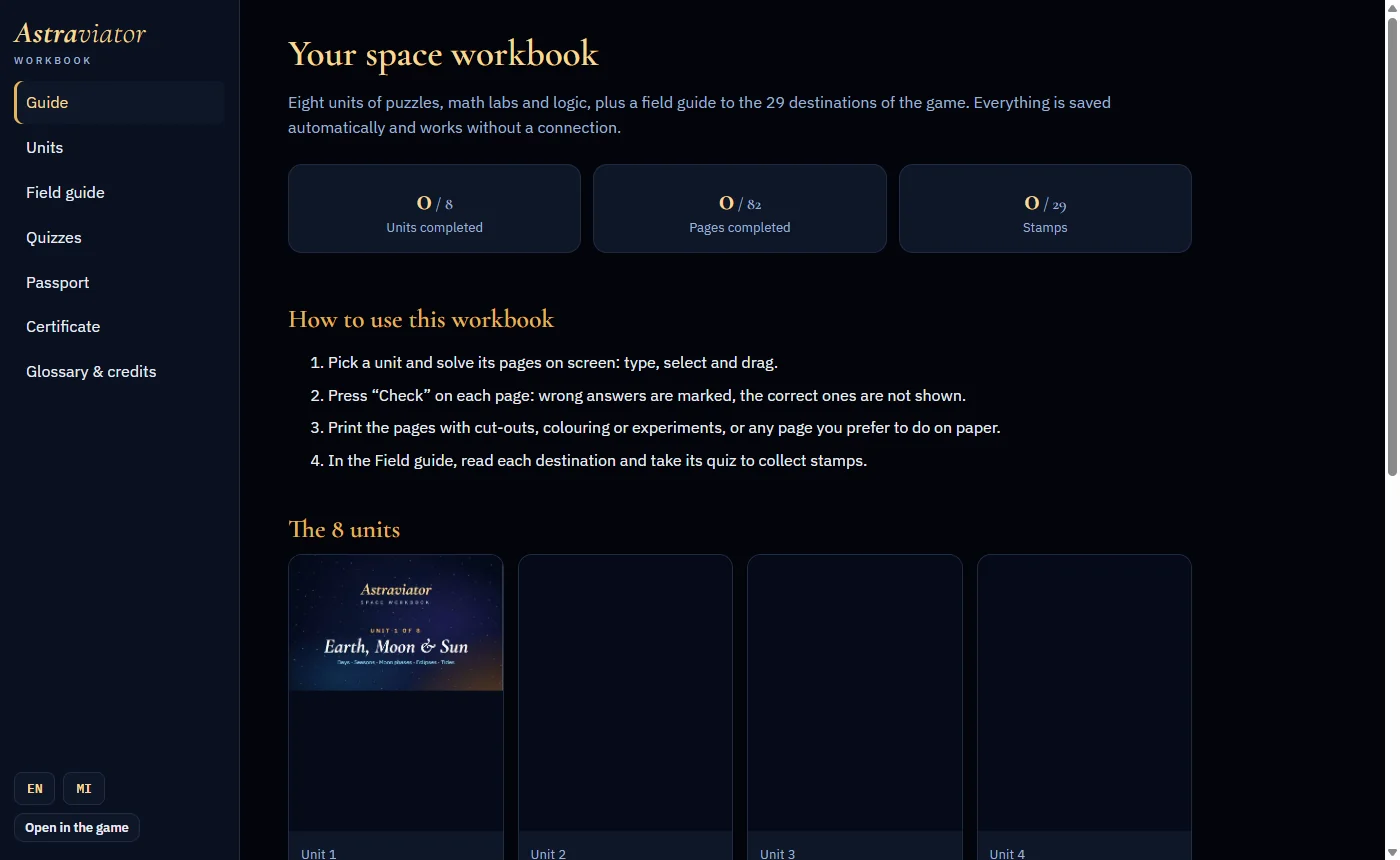
Start with the Moon: it is the unit children finish fastest and the one that gives them the words to describe what they see at night. Then go through the planets in order, and leave the night sky unit for a clear evening, because it ends with something to go outside and look for.
Works offline after the first visit.
Land on the Moon, watch Jupiter rotate, compare planet sizes. Free, in the browser, no account, no download.
Every object below is described as your eye sees it at the eyepiece, not as a camera records it. The size of the telescope changes how much detail appears, never the colour of a ph
Children do not need a smaller version of an adult telescope. They need something an adult can set up in a minute and that shows something impressive immediately — which usually me
Land on the Moon, watch a day pass on Jupiter in seconds and line the planets up to see how big they really are. It runs in the browser, on a phone or a tablet, and there is nothin